neckband os
An XR operating system for VITURE glasses.
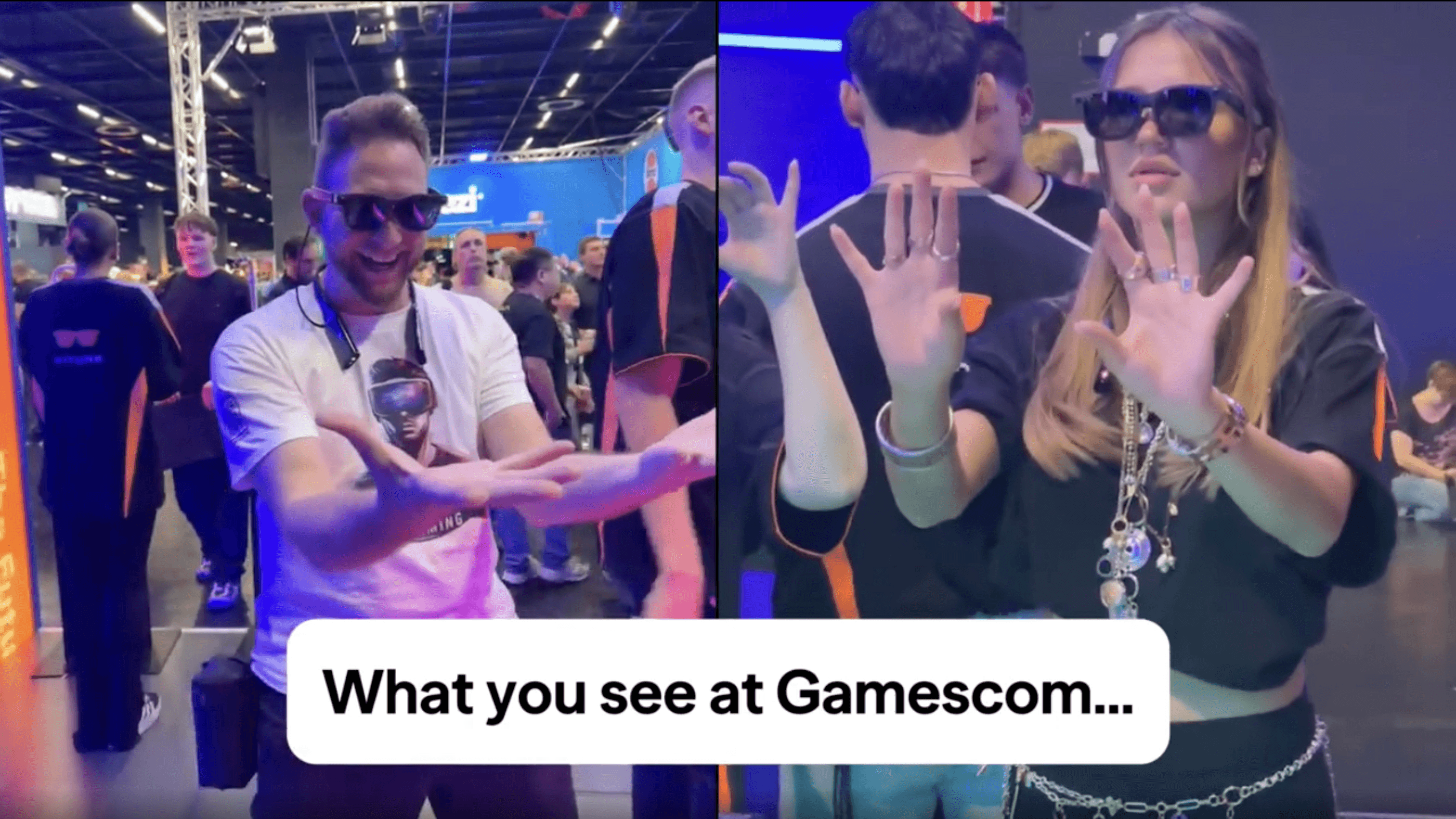
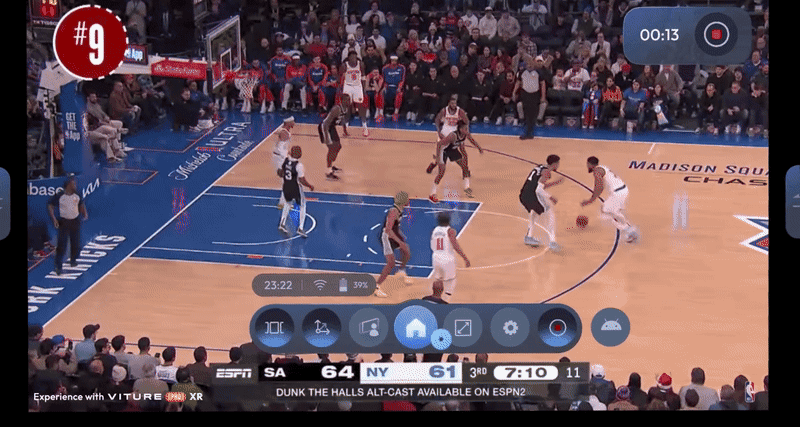
Neckband OS is the central operating system that powers the VITURE XR ecosystem, connecting lightweight glasses with a powerful computing unit worn around the neck. Designed to balance comfort, performance, and immersion, the system provides multimodal interactions, including gesture control, AI voice assistant, and intuitive navigation for 3DoF/6DoF viewing experiences.
It serves as both the hardware hub and the software brain of VITURE’s next-generation spatial computing devices.
You can learn more about the Neckband on the VITURE Neckband page and Academy. I also wrote a blog sharing my thought on the Neckband: Why the Neckband Is the Most Practical Bridge Toward True XR/AI Glasses.
Background
The second-generation VITURE Neckband adopted a new high-performance chip platform, comparable to those used in flagship smartphones, enabling smoother XR experiences and advanced AI features.
We integrated Google Mobile Services (GMS) for broader app compatibility and access to the Android ecosystem.
Our goal was to redefine how users interact with XR devices — to make navigation feel natural and seamless, not like operating a computer strapped to your face. The new system combined gesture-based control, an AI-powered voice assistant, and optimized rendering algorithms to deliver stable performance with less heat and fan noise.
This version also laid the groundwork for a more complete XR ecosystem, where hardware and software evolve together around the user experience.
Research & Planning
We began by mapping the entire XR user journey — from unboxing and onboarding to daily entertainment use.
User interviews revealed key pain points in the first generation: fragmented interactions, slow onboarding, and inconsistent app experiences.
From there, I defined the experience principles for Neckband OS:
Keep interactions intuitive and minimal.
Ensure stability and cross-model compatibility across all VITURE glasses.
Reduce heat and latency without sacrificing frame rate.
Build for future AI integration and multimodal input and output.
Backlog & MVP Goals
As the product owner, I structured the initial backlog around three MVP goals:
Establish a unified system UI and control framework for all XR interactions (Gesture, Remote, Trackpad).
Integrate Voice Assistant “Vizard” for device commands and conversational AI.
Deliver a lightweight player and system apps (File Manager, Settings, 3D Player) with clear user journeys and accessibility in XR space.
We used Scrum methodology, with biweekly sprints and version checkpoints for incremental testing and release gates.
Development & Implementation
During implementation, I worked closely with engineering on interaction design, gesture recognition calibration, and cross-device testing.
We optimized the IMU and camera algorithms to achieve stable 3DoF/6DoF positioning.
I also defined the Quick Settings Panel for faster control (brightness, display mode, display scale, etc.) and created system-level logic for power management and transitions between modes.
The AI voice assistant was built with a dual-engine architecture — lightweight intent-slot matching for instant commands, and an LLM-based engine for open queries. I collaborated with the AI team to refine RAG data paths for quick knowledge retrieval (e.g., gaming guides, system help).
Testing & Iteration
We conducted iterative testing cycles focusing on heat, latency, gesture accuracy, and user comprehension.
Continuous feedback loops with QA and early testers helped us tune thresholds for gesture detection and adjust navigation distances.
Each release was followed by usability tests and telemetry data review. We also performed long-session endurance tests to measure thermal stability.
The product was updated continuously after launch, with improvements to voice response speed, menu depth, and connection reliability.
Unified Interaction System
Integrated remote, trackpad, and gesture controls under a single logic framework, ensuring consistent navigation across all devices and modes.
AI Voice Assistant
Enabled both instant device control and conversational AI, allowing users to adjust settings, launch apps, or get contextual help hands-free.
XR System Apps & Onboarding
Designed system-level apps and onboarding flows for a smoother first-time experience — guiding users clearly through setup and spatial navigation.
Cross-Glasses and Algorithm Integration
Leveraged calibration data and 3DoF/6DoF algorithms to create a unified compatibility layer across different VITURE glasses. By combining spatial tracking with gesture control, we built a consistent interaction framework adaptable to multiple hardware models.
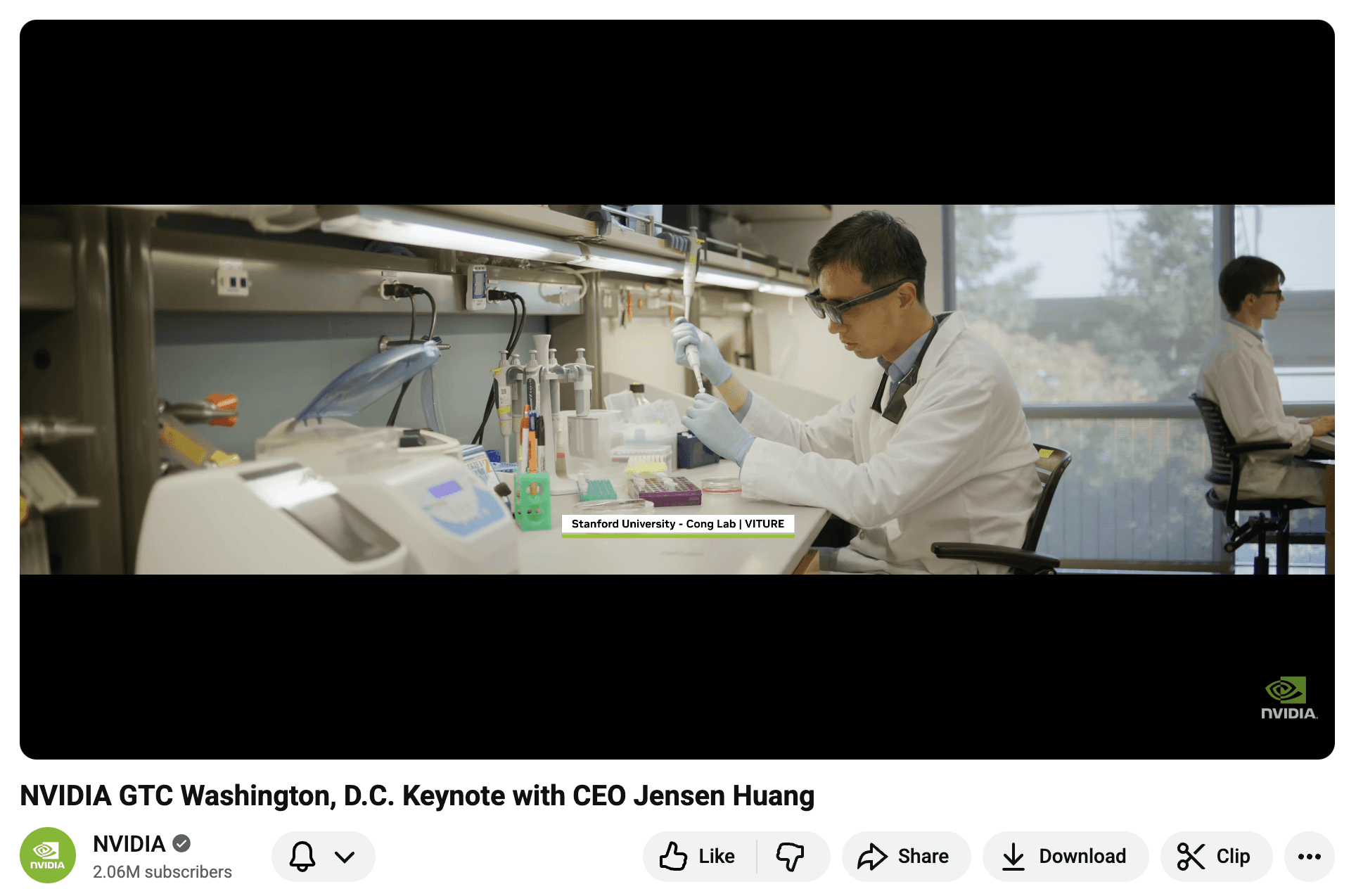
This solution was later recognized by Stanford University and NVIDIA in 2025 for its contribution to live-streaming and laboratory SOP visualization.